SClap
Fully synthesized snares and claps, with body synthesis plus a dedicated noise layer and filter. From the dry, snappy snare of techno to the wide, bright clap of pop.
Features
Tonal layer and noise layer mixable independently.
A 70s soul and funk breakbeat snare, modal: tuned head, loose wires, studio room and a sampler-style top.
A German-style low-pass (200 Hz–20 kHz) to shape the brightness of claps and snares.
Adds the 808 snare under any clap, or a German-style clap under any snare.
Waveshaper, Tube, Bass Drive, Soft Console and the Chicago and Detroit mixer channels.
Layers & controls
The classic balance between the noise and the oscillators of the snare.
On claps it adds the 808 snare underneath, phase-coherent; on snares it adds a German-style clap.
Flips the polarity of that layer for subtractive mixing — sculpt the timbre by cancellation.
A drum-machine low-pass from 200 Hz to 20 kHz to tame the top of claps and snares.
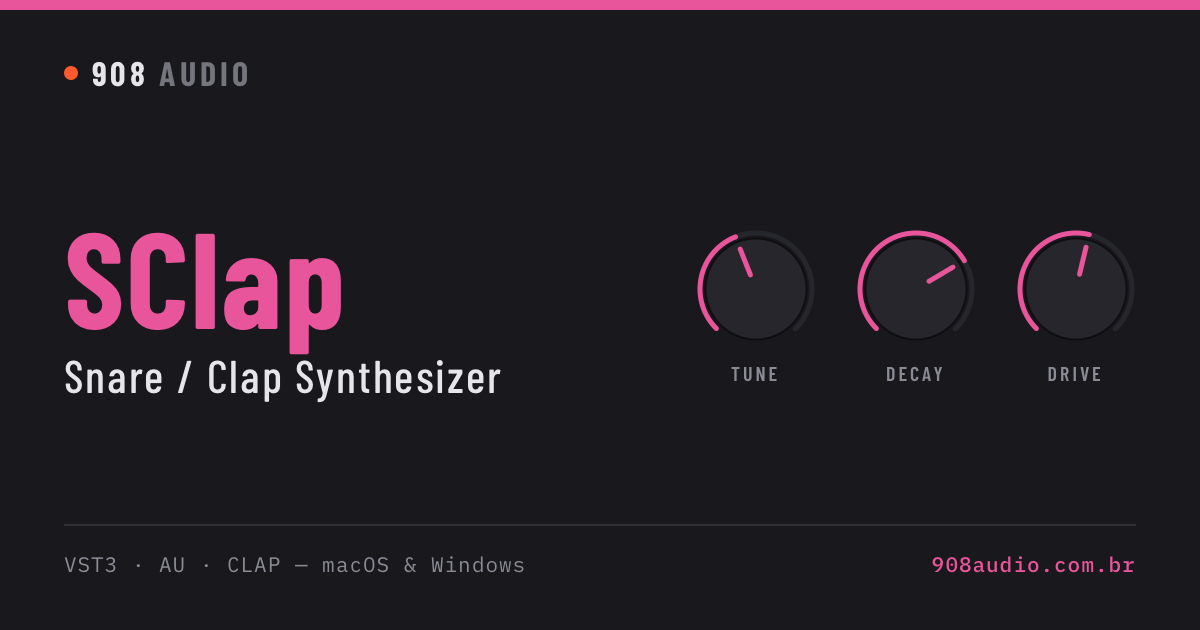
Snare body from 100 to 500 Hz (the display shows the note) and ±24 semitones on claps and sample models.
6 shapes on the noise decay — every hit comes out slightly different.
Drive types
Warm general-purpose saturation.
Creamy tube and gentle compression, with the measured EQ signature of a studio tube stage: mids and highs lift slightly over the lows.
Saturates only the body (below ~1.5 kHz) and leaves the top end clean.
Discreet console saturation — glues without dirtying. With the measured signature of a large-format studio desk: a touch of 1 kHz presence and a top end that rolls off gently above 10 kHz.
A compact mixer channel's preamp pushed hot — the Chicago house and Detroit techno trick: the knob raises the input gain (0 to +24 dB) and the channel clips with the circuit's rounded edge. Always 100% in the signal path, like a real channel.
The whole channel pushed hot: preamp, low/high EQ where each band saturates on its own, and the summing stage clipping last. Fatter and more 'smiley' than Chicago.
Models
Demos
Works with AI agents (MCP)
The standalone app includes an MCP server: Claude and other AI agents can pick models, tweak every control and render WAV files with this exact engine.
FAQ
Which DAWs does it work in?
Any DAW that loads VST3, AU or CLAP plugins: Ableton Live, FL Studio, Logic Pro, Cubase, Studio One, Reaper, Bitwig and others. Pro Tools (AAX) is not supported.
Can I use it without a DAW?
Yes. Every plugin also comes as a standalone app for macOS and Windows, with the same sound and the same license key. Its AUDIO panel picks the output device and channels, sample rate, buffer and MIDI input, and it plays from any MIDI controller or the space bar. The download includes an installer (.pkg on macOS, Setup.exe on Windows) with checkboxes for each format.
Does it run on Apple Silicon and Windows?
Yes. The macOS version is a universal binary (Apple Silicon and Intel) for macOS 11 or later, with VST3, AU and CLAP. The Windows version requires Windows 10 or later, 64-bit, with VST3 and CLAP.
How many computers can I activate?
Each license activates on up to 3 computers. Activation needs your email, your license key and an internet connection.
Is it a subscription?
No. You pay once and the license is yours for life.
How do I receive the plugin?
Right after the payment is confirmed you get an email with your license key and a download link for macOS and Windows.
Which payment methods are accepted?
Credit card, Pix (Brazil) and cryptocurrency (BTC, ETH, USDT), with 5% off when paying in crypto.
Can I get a refund?
Sales are final except where consumer law grants a refund, so listen to the demos and check the system requirements before buying. Duplicate charges are always refunded.